What is an STL file? (And when to send a 3MF or STEP instead)
A print studio can only print what the file describes. STL is the old standard and holds shape only. 3MF became an international standard in 2025 and holds units, colour and materials too. Here is what each is, and what to send.
Melbourne ImprintUpdated 3 October 20265 min read
Quick answer
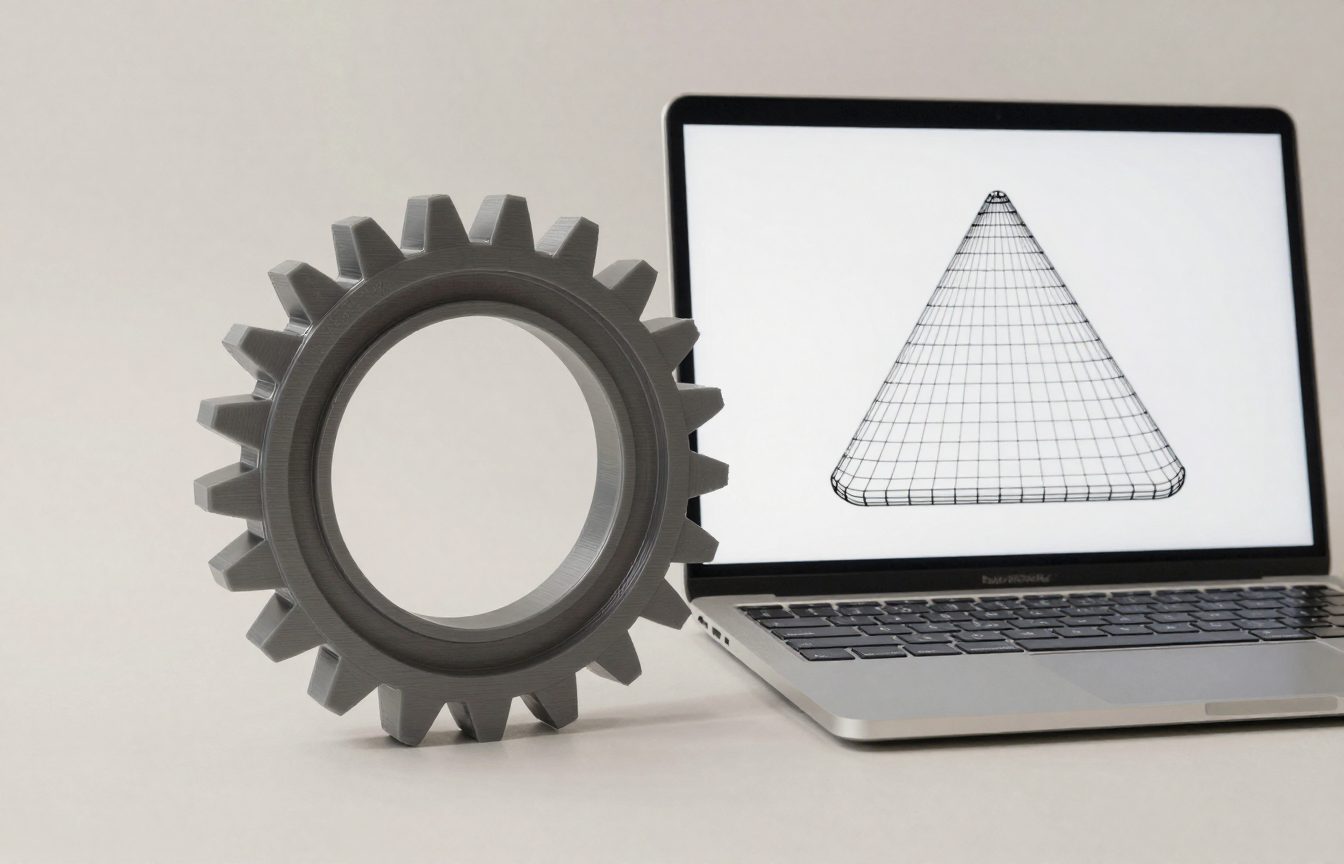
An STL file describes the surface of a 3D model as a mesh of triangles, and nothing else: no units, colour or material. A 3MF file holds the shape plus its units and can carry colour, materials and print settings; it became an international standard, ISO/IEC 25422:2025. Send a 3MF if your software exports one, an STL if not, and a STEP as well if the part might need changes.
STL: shape only
STL is the format 3D printing has run on for decades. It records the outside of a model as triangles, and nothing about what the numbers mean. A part designed in inches and read as millimetres comes out about a twenty-fifth of the size, which is the most common "why is it tiny?" problem.
3MF: shape plus the rest
The 3MF Consortium describes 3MF as "an open, XML-based standard for full-fidelity 3D model transfer". It was published as an international standard, ISO/IEC 25422:2025. The consortium says a 3MF file is "watertight by spec", with "defined unit of scale and fully closed geometry", and can carry "materials, color, print settings, and more inside a single file". Most current slicers and design programs export it.
STEP: for parts that may change
STEP files come from engineering CAD software and describe exact geometry, not triangles. They are not printed directly, but a studio can open one, adjust a hole or a wall, and export a fresh print file. If the part may need a tweak, send the STEP too.
How to make an STL or 3MF
- From CAD (Fusion, Onshape, FreeCAD, SolidWorks): export or "save as" 3MF or STL, in millimetres.
- From modelling software (Blender, Tinkercad): export STL or 3MF; check the scale.
- From a physical object: 3D scanning produces a mesh, which usually needs cleaning before printing.
- From a photo or sketch: someone has to model it. Measurements and a photo of where it fits help most.
Common STL problems, and how to fix them
Because an STL is just a list of triangles, things can go wrong between the design and the printer:
- Wrong scale: the part comes in 25 times too small or too large because it was designed in inches and read as millimetres, or the reverse. Fix the units on export, or scale it in the slicer.
- Holes in the mesh: gaps between triangles mean the model is not watertight, and the slicer may fill it oddly or not at all. Most slicers and free tools can repair simple gaps automatically.
- Flipped faces: triangles facing inwards confuse the slicer about what is inside and outside.
- Too many triangles: very detailed scans can produce huge files that slow everything down; reduce the triangle count before sending.
- Too few triangles: curves exported at low resolution print as flat facets. Raise the export resolution for round parts.
Where to find STL and 3MF files
Many people print from designs others have shared on model repositories, where files are free or paid. Each design carries a licence: some allow any use, some only personal use, and some forbid selling prints. Read the licence before you print something to sell, and credit the designer where the licence asks. For a part that fits a specific product, check that the design was made for your exact model.
Opening and checking a file
Before sending a file, open it in a free viewer or slicer, check that it is the right size in millimetres, that it is one closed solid, and that it looks the way you expect from every side. A slicer will show a preview of how the part will print and warn about missing faces or very thin walls. Five minutes checking can save a failed print.
Other formats you might meet
OBJ files can carry colour and texture as well as shape and are common from 3D scanners and art software. AMF was an earlier attempt to improve on STL that has mostly been overtaken by 3MF. G-code is not a model at all: it is the printer's instructions produced by a slicer for one particular printer and material, so it is not useful to send to a service with a different machine.
STL files and 3D scanning
A 3D scanner records the surface of a real object as millions of points, which software turns into a mesh, often saved as STL or OBJ. Scan meshes usually need cleaning before printing: filling holes where the scanner could not see, smoothing noise, and cutting away the table or stand. For a part that must fit exactly, a scan is often a starting point that a designer then redraws in CAD, so the final file has clean, exact dimensions.
Sending files to a service
Name files clearly, with the part name and the units, and send one file per part unless the service asks for a combined plate. If you have several versions, say which is the final one. Zip large files rather than pasting them into an email body, and keep the original design file in case changes are needed later.
Which format to keep for yourself
Keep the original design file from your CAD or modelling software as the master, because it holds the full design history and exact dimensions. Export STL or 3MF only for printing, and STEP for sharing with someone who needs to edit the part. If you lose the original, a STEP file is the next best thing; an STL is the hardest to change, because it has lost everything but the surface.
How big STL files get
An STL's size depends on how many triangles it holds. A simple bracket might be a few hundred kilobytes; a detailed figure or a raw 3D scan can be tens or hundreds of megabytes. A 3MF of the same model is usually smaller, because it is compressed. If a file is too big to email, use a file-sharing link, or reduce the triangle count in a mesh tool without losing visible detail.
What to send with the file
- Units: millimetres, unless you say otherwise.
- What it is for, and where it will live: indoors, outdoors, in a car, near heat.
- What it has to bear: weight, impact, bending, or nothing.
- Critical sizes: any hole, slot or thread that must fit something else.
- Quantity, and whether colour matters.
- A photo of where it goes, if it replaces a broken part.
Common questions
What is an STL file?
A 3D model file that describes an object's surface as a mesh of triangles. It records shape only, not units, colour or material.
What is a 3MF file?
A newer 3D printing file format that records shape with defined units and can carry colour, materials and print settings. It was published as international standard ISO/IEC 25422:2025.
STL or 3MF: which should I send?
3MF if your software can export it, because it records units. STL works everywhere but records shape only.
Can you 3D print from a STEP file?
Not directly. It is converted to a print format first, which also makes it easy to adjust.
Sources
Melbourne Imprint is opening soon and is not taking orders yet.